
CoachView Slowmo Video Player
Achats via l'appli
4,3star
1,3K avis
50K+
Téléchargements

Tout public
info



À propos de l'application
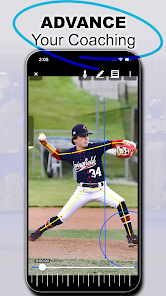
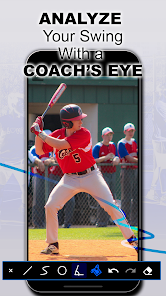
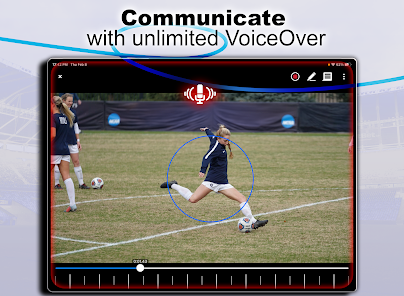
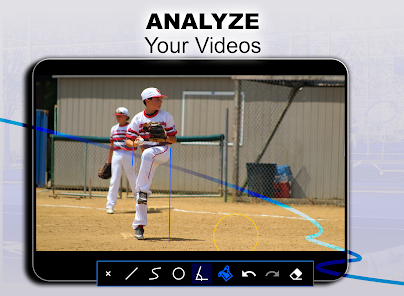
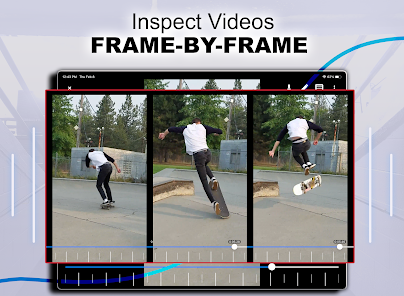
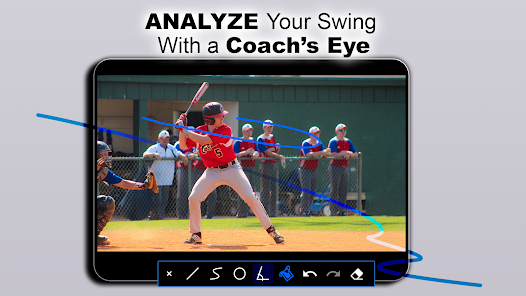
Analyze your athletic performance with a frame by frame breakdown or slow motion video playback. Draw lines and curves on the video for comparison. Share your breakdown screenshot with your coach or another player to get feedback. Stop guessing and start improving today!
CoachView is a cutting-edge video player designed specifically for coaches and athletes who want to improve their technique in any sport. CoachView works on any existing video, so there is no need to reshoot. Simply import the video and use the slowmo or frame by frame features to show an athlete how he or she can improve. You can even record your own analysis for easy sharing!
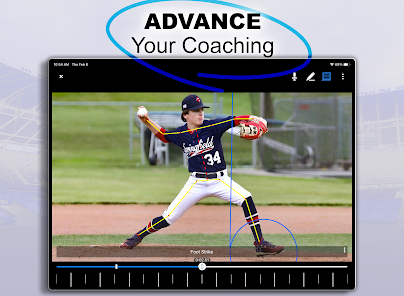
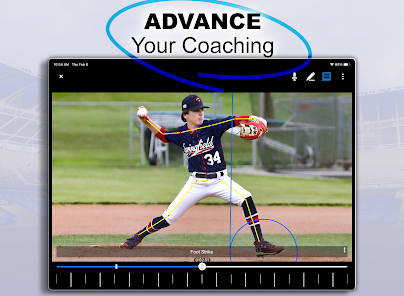
We know CoachView works! The app was created with the specific purpose of breaking down my own son’s pitching mechanics. It allowed his pitching coach to show him his incorrect hip/shoulder separation and work on issues specific to his delivery that are hard to spot in real-time.
Features:
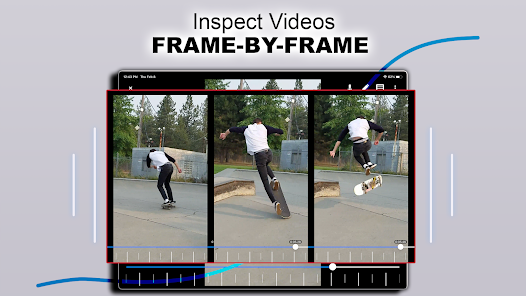
-Slow Motion - Playback at 1/10, 1/4, 1/2, 3/4, or regular speed. Want to go fast? There are also options for 1.5x and 2x speed!
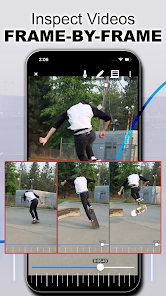
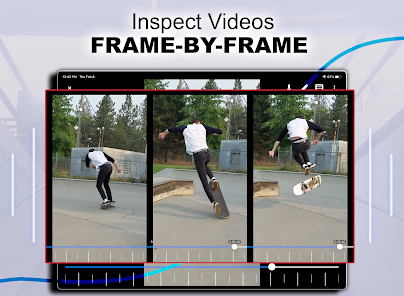
-Frame by Frame - Need even finer control? Step through the video frame by frame.
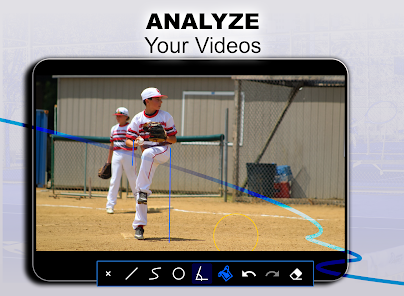
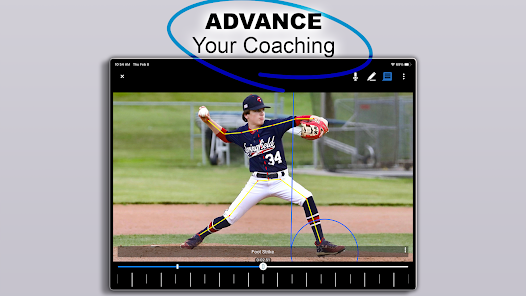
-Screen Drawing - Straight and freeform lines can easily be drawn over the video. Want to measure your pitcher’s drift? Draw a line at the beginning of the delivery and step through the leg lift frame by frame!
-Pose View - toggle on/off an AI generated overlay of your player's bone structure.
-Annotations - Add bookmarks throughout the video and quickly jump between key moments. Did you record an entire at-bat and want to jump between pitches? Annotations make that task super simple. You can even label each bookmark.
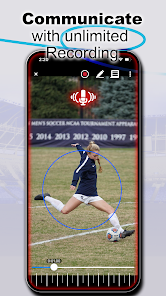
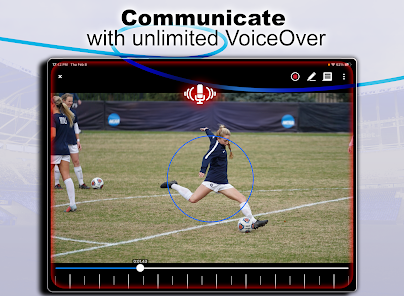
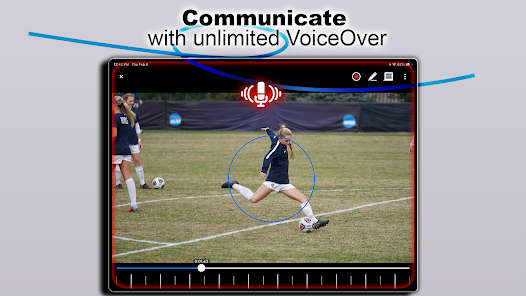
-Record feedback - record a breakdown of your athlete’s performance and share it with them easily.
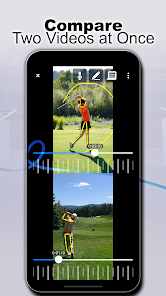
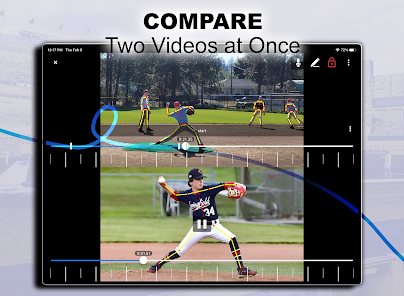
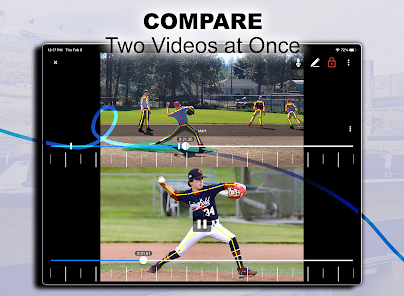
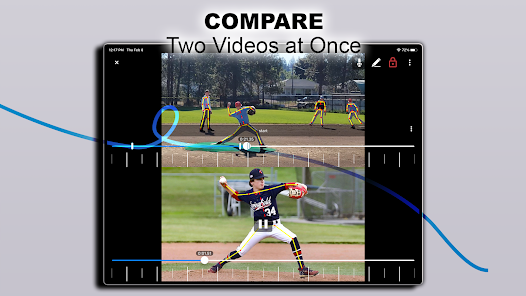
-Side by Side Video Comparison: compare your player's mechanics to a reference coach or professional player frame by frame. You pick the videos for comparison and step through them at your own pace. (Requires Pro Upgrade)
-Chromebook keyboard support. Use the arrow keys to move between frames and the +/- keys to zoom in and out.
Privacy Notice: This app collects your device’s IP address, advertising ID, and other partner specific identifiers. These identifiers enable analytics to improve our app. Opt-out or learn more by visiting our Privacy Center, accessible from the app's settings.
CoachView is a cutting-edge video player designed specifically for coaches and athletes who want to improve their technique in any sport. CoachView works on any existing video, so there is no need to reshoot. Simply import the video and use the slowmo or frame by frame features to show an athlete how he or she can improve. You can even record your own analysis for easy sharing!
We know CoachView works! The app was created with the specific purpose of breaking down my own son’s pitching mechanics. It allowed his pitching coach to show him his incorrect hip/shoulder separation and work on issues specific to his delivery that are hard to spot in real-time.
Features:
-Slow Motion - Playback at 1/10, 1/4, 1/2, 3/4, or regular speed. Want to go fast? There are also options for 1.5x and 2x speed!
-Frame by Frame - Need even finer control? Step through the video frame by frame.
-Screen Drawing - Straight and freeform lines can easily be drawn over the video. Want to measure your pitcher’s drift? Draw a line at the beginning of the delivery and step through the leg lift frame by frame!
-Pose View - toggle on/off an AI generated overlay of your player's bone structure.
-Annotations - Add bookmarks throughout the video and quickly jump between key moments. Did you record an entire at-bat and want to jump between pitches? Annotations make that task super simple. You can even label each bookmark.
-Record feedback - record a breakdown of your athlete’s performance and share it with them easily.
-Side by Side Video Comparison: compare your player's mechanics to a reference coach or professional player frame by frame. You pick the videos for comparison and step through them at your own pace. (Requires Pro Upgrade)
-Chromebook keyboard support. Use the arrow keys to move between frames and the +/- keys to zoom in and out.
Privacy Notice: This app collects your device’s IP address, advertising ID, and other partner specific identifiers. These identifiers enable analytics to improve our app. Opt-out or learn more by visiting our Privacy Center, accessible from the app's settings.
Date de mise à jour
La sécurité, c'est d'abord comprendre comment les développeurs collectent et partagent vos données. Les pratiques concernant leur confidentialité et leur protection peuvent varier selon votre utilisation, votre région et votre âge. Le développeur a fourni ces informations et peut les modifier ultérieurement.

Cette appli peut partager ces types de données avec des tiers
Infos et performance des applis, Appareil ou autres ID

Cette appli peut recueillir ces types de données
Activité dans l'application, Infos et performance des applis, Appareil ou autres ID

Les données sont chiffrées lors de leur transfert

Impossible de supprimer les données
Notes et avis
4,3
1,12K avis
Nouveautés
Fix an issue with playing videos on same Lenovo devices and fixed other user reported issues.
Assistance de l'appli
À propos du développeur
FIRECRACKER SOFTWARE LLC
support@firecrackersw.com
7816 E Broadway Ave
Spokane Valley, WA 99212
United States
+1 509-443-5308


