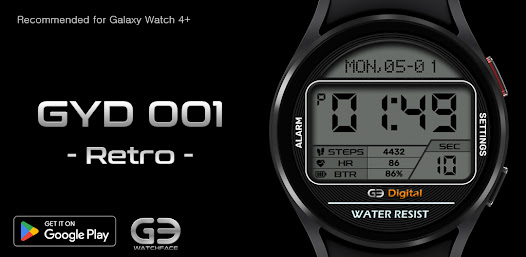
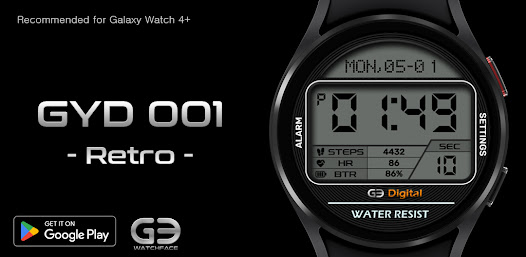
GYD001: Retro watchface
4.1star
247 reviews
50K+
Downloads

Everyone
info
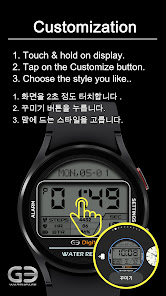
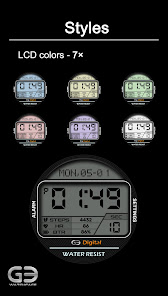
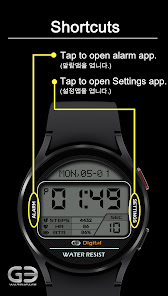
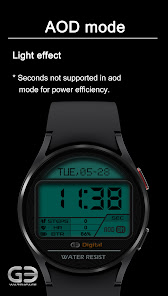
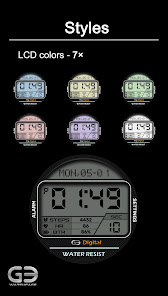
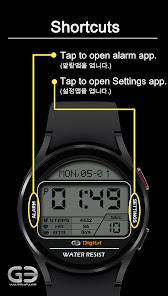
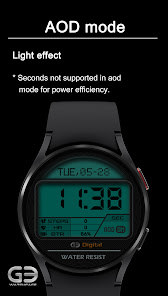
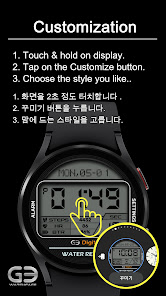
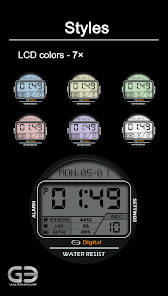
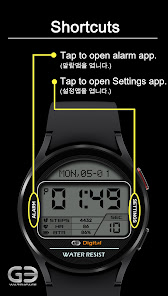
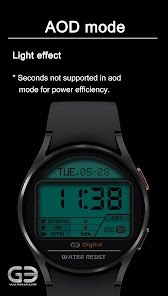
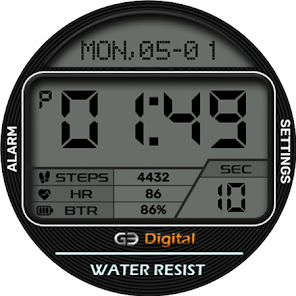
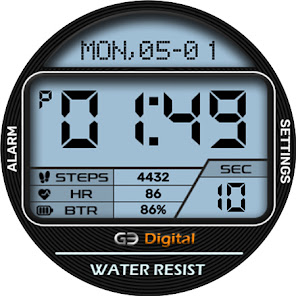
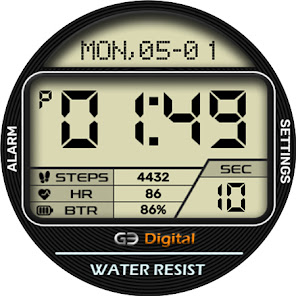
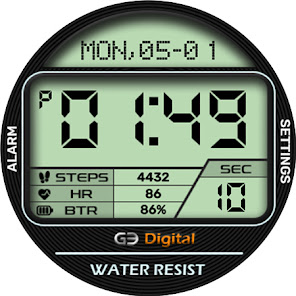
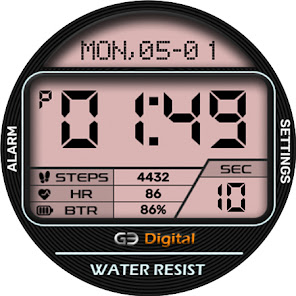
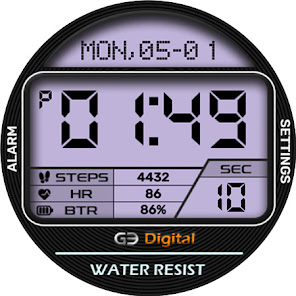
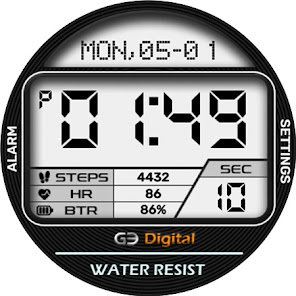
About this app
!! Be sure to read it. !!
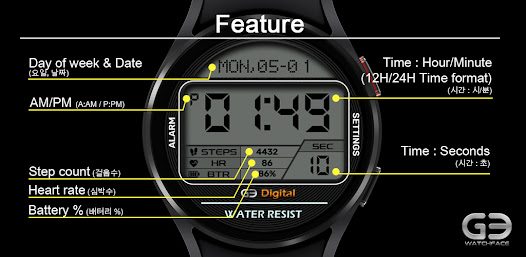
* This watch face is optimized for Samsung Galaxy Watch 4 or later, and can work on Wear OS (API 28+) based devices, but there may be restrictions on displaying some information (step count, heart rate, etc.).
* If a user who does not have a smart watch purchases this app, please note that the watch face cannot be installed and used.
-------------------------------------------------- -------------------------------------------------- --------------
[How to install the watch face]
This app is available in two versions: phone app and watch face. It is recommended to install through Method 1.
Method 1) Install the watch face through the mobile phone app
* If you have installed a mobile phone app (app name: GY watchface) on your phone, you can install the watch face on your smartwatch by following the instructions in the app.
Method 2) Direct installation of the watch face through the Play Store
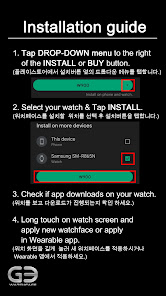
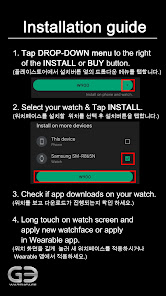
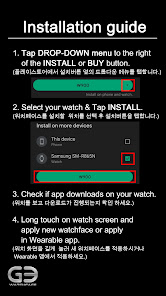
* If your smartwatch is connected to your phone, you can install this watchface right away by pressing the triangular menu next to the Install or Buy button in the Play Store and selecting the watch connected to your phone from the list of devices displayed. Please refer to the installation guide provided with pictures.
* Please note that the smartwatch must be connected to the mobile phone. In addition, the Google account (email address) connected to the smartwatch on the phone must match the login account (email address) of the Play Store.
-------------------------------------------------- -------------------------------------------------- --------------
* If the developer updates the watch face, the watch face screen shot of the smartphone app and the watch face installed on the actual watch may differ.
* GY.watchface SNS
- Instagram: https://www.instagram.com/gywatchface/
- Facebook: https://www.facebook.com/gy.watchface
* This watch face is optimized for Samsung Galaxy Watch 4 or later, and can work on Wear OS (API 28+) based devices, but there may be restrictions on displaying some information (step count, heart rate, etc.).
* If a user who does not have a smart watch purchases this app, please note that the watch face cannot be installed and used.
-------------------------------------------------- -------------------------------------------------- --------------
[How to install the watch face]
This app is available in two versions: phone app and watch face. It is recommended to install through Method 1.
Method 1) Install the watch face through the mobile phone app
* If you have installed a mobile phone app (app name: GY watchface) on your phone, you can install the watch face on your smartwatch by following the instructions in the app.
Method 2) Direct installation of the watch face through the Play Store
* If your smartwatch is connected to your phone, you can install this watchface right away by pressing the triangular menu next to the Install or Buy button in the Play Store and selecting the watch connected to your phone from the list of devices displayed. Please refer to the installation guide provided with pictures.
* Please note that the smartwatch must be connected to the mobile phone. In addition, the Google account (email address) connected to the smartwatch on the phone must match the login account (email address) of the Play Store.
-------------------------------------------------- -------------------------------------------------- --------------
* If the developer updates the watch face, the watch face screen shot of the smartphone app and the watch face installed on the actual watch may differ.
* GY.watchface SNS
- Instagram: https://www.instagram.com/gywatchface/
- Facebook: https://www.facebook.com/gy.watchface
Updated on
Safety starts with understanding how developers collect and share your data. Data privacy and security practices may vary based on your use, region, and age. The developer provided this information and may update it over time.

No data shared with third parties
Learn more about how developers declare sharing

No data collected
Learn more about how developers declare collection
Ratings and reviews
3.5
71 reviews

James
- Flag inappropriate
March 16, 2026
If using an North American market please have your software at least have an option in English, what looks like an agreement is unreadable and dangerous for people to just click buttons without knowing what it is for
GY.watchface
March 17, 2026
Thank you for your feedback. We originally supported both English and Korean, but for unknown reasons, only Korean was being supported. Thanks to your suggestion, we were able to improve the app to support English again. English will be supported once Google approves the app update. Thank you.

̃*•.кingof匚yberia.•* ́
- Flag inappropriate
December 8, 2024
Good simple digital watch face. But needs more colors. And I don't know how South Koreans tell time but in the US we have 12 hour (12 am, 12 pm) and 24 hour (000, 1200). You should allow that as an option.
1 person found this review helpful
GY.watchface
December 8, 2024
Thank you for review and stars 😁 If I remember correctly, if you change the time format on your smartphone, the format on your watch will also change automatically.

C Day
- Flag inappropriate
- Show review history
May 16, 2024
I absolutely love the look of this watch face! Originally it couldn't do 24 hour format, but I commented here about it and the developers updated the watch within a day!! Brilliant.
1 person found this review helpful
GY.watchface
May 16, 2024
Appreciate for your 5 stars and excellent review. 😉👍
App support
About the developer
허근영
gy.watchface@gmail.com
목동남로4길 81
105동 201호
양천구, 서울특별시 08101
South Korea


